

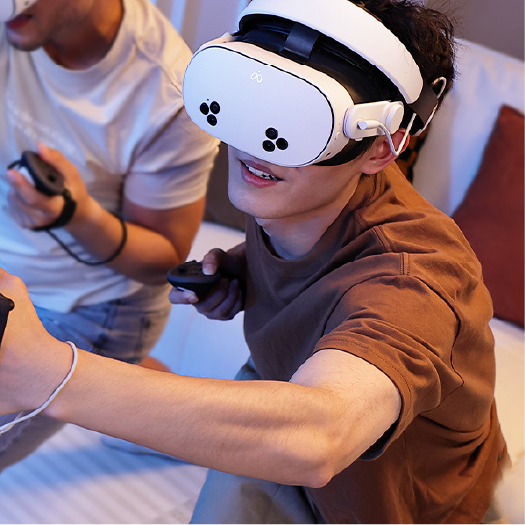
Enterprise VR training does not fail only because of software issues, content quality, or headset specifications. In many real-world deployments, the bigger problem is much more practical: sessions stop, users wait, instructors lose time, and devices are not ready for the next group.
This is VR downtime. And for businesses, downtime is not just a minor inconvenience. It affects training schedules, learner focus, staff productivity, and the overall return on a VR deployment.
For teams using PICO headsets in training rooms, classrooms, demo spaces, or location-based environments, reducing downtime often comes down to three overlooked areas: power continuity, headset comfort, and audio readiness.
VR Downtime Is More Than a Battery Problem
When people talk about VR downtime, they often think of one thing: a headset running out of battery. That is part of the problem, but it is not the whole picture.
In enterprise training, downtime can appear in several forms:
- Battery interruptions during a session
- Slow charging between back-to-back training groups
- Uncomfortable headset fit that causes users to pause or readjust
- Unclear audio that forces instructors to repeat guidance
- Slow device turnover between users
- Accessories that are not designed for repeated daily use
A headset that pauses in the middle of a training session does more than interrupt one user. It breaks immersion, delays instructors, reduces the number of trainees a team can support in a day, and makes the entire VR program feel less reliable.
The Real Business Cost of Interrupted VR Training
In consumer VR, a short interruption may simply be annoying. In enterprise VR, the cost is larger because training is usually scheduled, staffed, and measured.
Lost Training Time
If a 30-minute VR training session stops for five minutes because of battery, fit, or audio issues, the loss is not limited to those five minutes. The instructor may need to reset the flow, the learner may lose focus, and the next group may start late.
For businesses running multiple sessions in one day, small interruptions compound quickly.
Lower Session Throughput
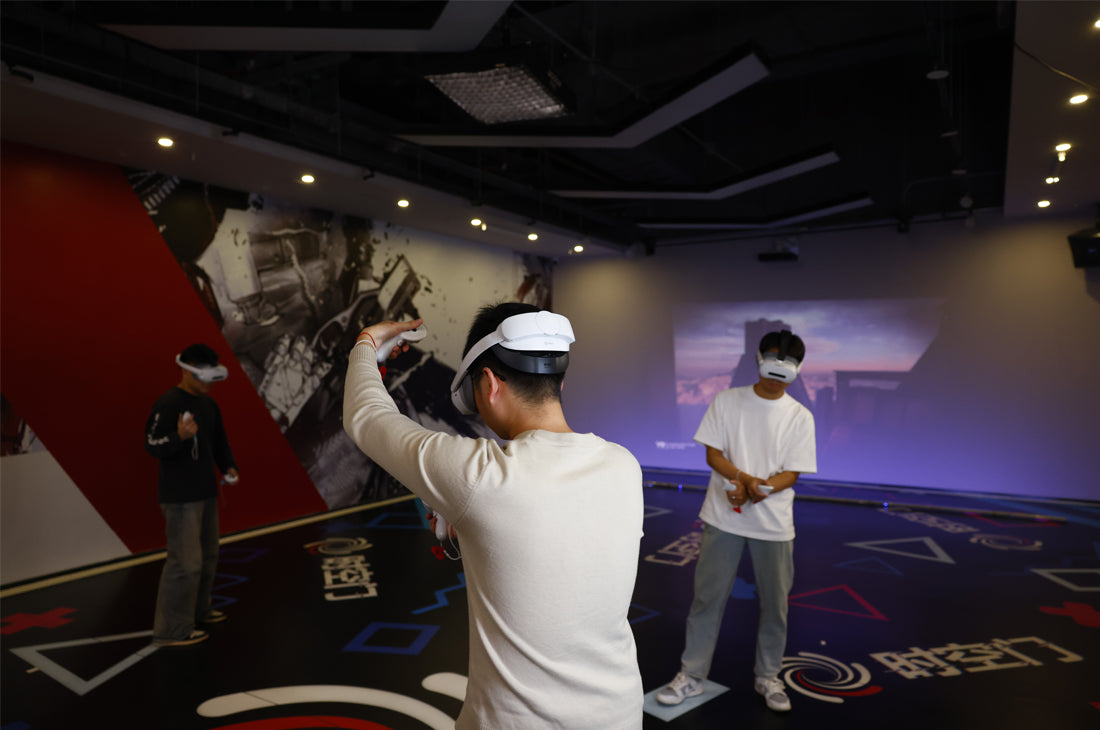
Enterprise VR training is rarely a one-person experience. Many teams need to rotate multiple users through the same devices across a full day.
If each session requires extra time for charging, adjusting, checking, or troubleshooting, the team trains fewer people with the same hardware. That means lower operational efficiency from the same headset investment.
Reduced Confidence in VR Deployment
VR adoption depends on trust. If managers, trainers, or users repeatedly see sessions interrupted by hardware friction, they may start to view VR as difficult to scale.
For a pilot program, this can slow down internal approval. For a training provider or LBE operator, it can affect customer experience directly.
Battery Interruptions Break Training Flow
Enterprise VR sessions often follow a structured learning path. Users may be moving through safety procedures, onboarding simulations, product demonstrations, classroom modules, or guided workflows.
When power runs out during a session, the impact is immediate. The user exits the experience, the instructor has to pause, and the device may need to be recharged, restarted, or prepared again before training can continue.
For back-to-back sessions, standard charging is often not enough. Teams need a power setup that supports continuous operation, not just longer battery life.
Why Hot-Swappable Power Matters
The P5000 Compact Power Bank is designed for PICO users who need more reliable power during longer sessions and repeated daily use.
Its dual-battery, hot-swappable setup helps teams keep devices running without forcing every session to stop for a full recharge cycle. For training rooms, demo booths, and commercial VR environments, this makes power management easier to standardize.
The goal is not simply to add more battery capacity. The goal is continuity. With backup power ready before the next session starts, teams can reduce battery anxiety and keep the training schedule moving.
Poor Comfort Creates Another Type of Downtime
Comfort is often treated as a user experience detail. In enterprise VR, it is also a deployment issue.
A consumer user can stop playing when a headset feels uncomfortable. A trainee in a business environment usually needs to complete a scheduled session. If the headset feels front-heavy, unstable, or difficult to adjust, the user may keep stopping to reposition it.
These small pauses interrupt learning and shift attention away from the training content.
Comfort Affects Completion, Focus, and Adoption
Enterprise VR environments also involve many different users sharing the same devices. Each user may have a different head shape, hairstyle, face shape, or glasses setup. If the headset is difficult to adjust, turnover becomes slower and staff support becomes more hands-on.
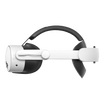
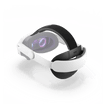
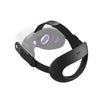
The T1 Comfort Head Strap helps improve headset stability, weight distribution, and fit adjustment for PICO users. For training rooms and multi-user environments, this can reduce unnecessary pauses and make sessions easier to repeat throughout the day.
Better comfort does not just make VR feel nicer. It helps teams create a more consistent training experience across different users.
Unclear Audio Slows Down Guided Training
Many enterprise VR sessions are guided. Users may need to hear instructor directions, in-app voice prompts, safety instructions, scenario narration, or product explanations.
If audio is unclear, users may miss steps, misunderstand instructions, or ask the trainer to repeat information. In a shared training room or event space, background noise can make the issue worse.
This creates a quieter form of downtime: the session may technically continue, but the learner is no longer moving through it efficiently.
Clear Audio Keeps Learners Focused on the Task
The A3 Clip-on Headphones give PICO users a more focused audio setup for guided VR training and product demonstrations.
For business environments, this matters because audio is part of the learning system. Clearer instructions help users stay oriented, follow the scenario, and remain focused on the task instead of the device.
A simple, clip-on design also helps teams avoid complicated setup steps between users.
Device Turnover Is Where Many VR Deployments Lose Efficiency
In enterprise VR, the session itself is only part of the workflow. The moments between sessions are just as important.
After each user or group finishes, staff may need to:
- Check the headset battery
- Prepare backup power
- Adjust the head strap for the next user
- Confirm the audio setup
- Clean the headset and facial interface
- Reset the app or training module
- Prepare the device for the next session
If every step takes too long, the entire deployment becomes less efficient. This is especially important for businesses that run classroom-style training, safety simulations, customer demos, or LBE sessions.
A standardized accessory setup helps reduce staff guesswork. When each headset is prepared with reliable power, stable comfort, and ready-to-use audio, teams can move from one session to the next with fewer interruptions.
How Businesses Can Reduce VR Downtime
Reducing downtime does not require businesses to redesign their entire VR program. In many cases, the first step is improving the hardware setup around the headset.
1. Plan for Continuous Power
Teams running back-to-back sessions should prepare for more than one headset charge cycle. A hot-swappable battery setup, such as the P5000 Compact Power Bank, helps keep sessions moving without forcing users to wait for charging.
2. Standardize Fit and Comfort
A comfort strap like the T1 helps teams support different users with less adjustment time. This is especially useful in shared training rooms where many people use the same headset throughout the day.
3. Improve Audio Readiness
Guided VR training depends on clear instructions. Clip-on headphones like the A3 help make audio more consistent, easier to prepare, and better suited for focused learning environments.
4. Build a Repeatable Device Turnover Process
Businesses should treat VR headset preparation as an operational workflow. Power, comfort, audio, cleaning, and app reset should be easy for staff to check before every session.
Recommended KIWI design Setup for Enterprise VR Training
| Training Challenge | Business Impact | KIWI design Solution |
|---|---|---|
| Battery interruptions | Sessions pause, users wait, and schedules fall behind | P5000 Compact Power Bank |
| Headset discomfort | Learners lose focus and adoption becomes harder | T1 Comfort Head Strap |
| Unclear audio | Instructions are missed or repeated | A3 Clip-on Headphones |
| Slow device turnover | Fewer users can be trained per day | Complete comfort, audio, and power accessory setup |
Build a More Reliable VR Training Setup
Enterprise VR success depends on more than the headset. It depends on whether the training experience can be repeated reliably across users, sessions, and locations.
Battery interruptions, poor comfort, unclear audio, and slow device turnover may look like small issues, but they can create real operational friction. For businesses trying to scale VR training, these details directly affect training flow and deployment efficiency.
KIWI design accessories help teams build a more complete PICO VR setup for enterprise training, with better support for comfort, audio, and continuous power.
Explore KIWI design accessories for PICO headsets and prepare your VR training environment for smoother, more reliable sessions.


Hinterlasse einen Kommentar
Alle Kommentare werden vor der Veröffentlichung geprüft.
Diese Website ist durch hCaptcha geschützt und es gelten die allgemeinen Geschäftsbedingungen und Datenschutzbestimmungen von hCaptcha.