



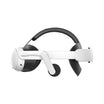
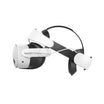
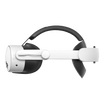
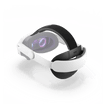
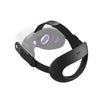
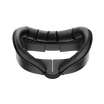
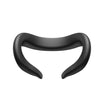
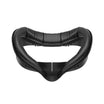
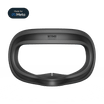
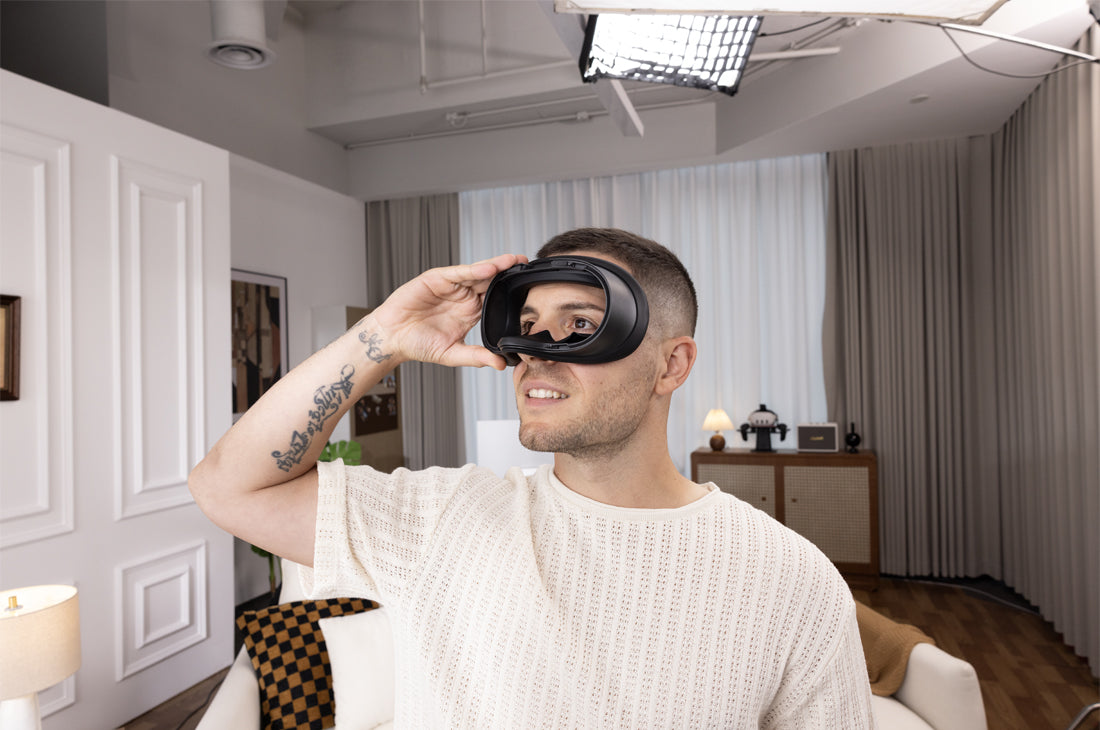
The Meta Quest 3S has quickly become a favorite for VR enthusiasts looking for great performance at an accessible price. However, as many users spend more time in the headset, common comfort issues start to surface. The stock facial interface can often trap heat, cause the lenses to fog up during active games, and leave noticeable pressure marks on your face. To address these everyday pain points, KIWI design created the V4 Ventilation Facial Interface for Quest 3S. Here is a practical, accurate look at how this upgrade improves your daily VR sessions.
1. Ventilation Grills: Reducing Fogging Without Light Leakage
Lens fogging happens when heat and moisture from your face get trapped inside the sealed display area. The V4 interface tackles this with integrated ventilation slots built into the top and bottom of the bracket. The design balances two important needs:
- Optimized Airflow: While any vent pattern introduces a small amount of physical air resistance, these channels are engineered to maximize natural air circulation, helping warm air escape and significantly reducing lens condensation during active gameplay.
- Smart Light Trapping: Straight vents let in outside light, which ruins screen contrast. The V4 uses a curved, L-shaped channel design. This geometry forces incoming light to reflect off the matte black interior walls and scatter, keeping your VR environment dark and immersive while still allowing air to flow.
2. A Widened Frame for Better Weight Distribution
Because VR headsets are naturally front-heavy, a narrow facial interface can dig into your cheekbones and forehead, causing fatigue after an hour or two of use.
The V4 bracket addresses this by widening the overall surface area of the frame. By spreading the headset's weight across a larger portion of your face, it removes harsh pressure points. This design helps reduce the deep red marks (often called "VR face") and makes longer gaming or work sessions much more tolerable.
3. Soft Memory Foam & Sweat-Resistant PU Leather
The materials that touch your skin matter just as much as the shape of the frame. The V4 kit upgrades the experience with practical material choices:
- Customized Memory Foam: The core features a thick, high-density memory foam padding that conforms comfortably to different face shapes without bottoming out or feeling too mushy.
- Wipeable PU Leather: Unlike the fabric on the stock interface which absorbs sweat and oils over time, the V4 is wrapped in a smooth, premium, skin-friendly PU leather. It acts as a barrier against moisture, meaning you can easily wipe it clean with a damp cloth or a hygiene wipe between sessions.
- The 2-Pack Value: Every kit comes standard with two identical PU leather foam pads. This makes it incredibly easy to swap pads if you are sharing the headset with family members, or if you want a fresh, dry pad during a long multiplayer session.
4. Added Convenience: Nose Guard & Eyeglass Friendly
The kit also includes a flexible silicone nose guard. It fits gently around the bridge of your nose to block the annoying light gap at the bottom of the headset without pinching your nose or restricting your breathing. Additionally, the sides of the foam padding feature dedicated cutouts to accommodate standard prescription glasses, preventing the frames from pressing uncomfortably against your temples.
Technical Specifications & Package Contents
For a quick overview, here is exactly what the product offers:
| Feature | Product Details |
|---|---|
| Cushion Material | Soft, customized memory foam wrapped in premium wipeable PU leather |
| Ventilation Tech | Proprietary light-blocking ventilation grills to reduce lens fogging |
| Ergonomics | Widened face bracket designed to distribute headset weight and reduce facial pressure |
| Package Includes | 1x V4 Facial Interface Frame, 2x PU Leather Foam Pads, 1x Silicone Nose Guard, 1x Lens Protector Cover |
Frequently Asked Questions (FAQ)
Q: Does this interface have built-in depth adjustment levels?
A: No. To maintain structural strength and maximize your field of view (FOV), the V4 interface features a fixed depth layout that mirrors the optimal stock position. The customized foam provides plenty of clearance for most users.
Q: How should I clean the PU leather foam pads?
A: Do not throw them in a washing machine, as submerging memory foam can ruin its shape. Simply wipe the PU leather surface down with a damp microfiber cloth or a non-alcoholic wet wipe, and let it air dry.
Q: Will my eyelashes hit the headset lenses with this pad?
A: For almost all users, the customized foam thickness strikes the right balance—keeping your eyes close enough to the screen to enjoy a wide field of view without letting your eyelashes rub against the lenses.
Conclusion
The KIWI design V4 Ventilation Facial Interface isn't about flashy gimmicks; it is a practical upgrade designed to fix the genuine comfort limits of the stock Quest 3S setup. By introducing reliable L-shaped ventilation channels, a wider pressure-relieving frame, and easy-to-clean dual cushions, it delivers a cleaner, cooler, and more comfortable environment for all your VR experiences.


Dejar un comentario
Todos los comentarios se revisan antes de su publicación.
Este sitio está protegido por hCaptcha y se aplican la Política de privacidad de hCaptcha y los Términos del servicio.