

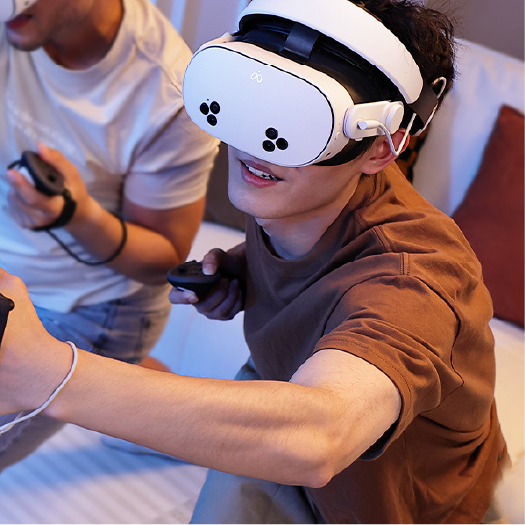

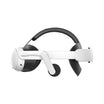
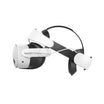
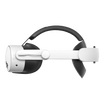
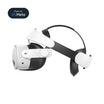
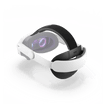
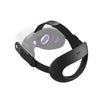
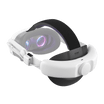
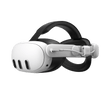
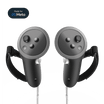
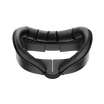
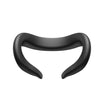

The headset model determines whether T1 and A3 fit. P5000 follows a different rule: it adds removable power to all VR headsets that support USB Power Delivery (PD) and other compatible USB-C electronic devices.
The tables below separate model-specific fit and audio compatibility from P5000's protocol-based power compatibility.
What each accessory adds
| Accessory | Primary function | Compatibility rule | Key product data |
|---|---|---|---|
| T1 Comfort Head Strap | Repeatable head support and fit adjustment | PICO 4 Ultra; PICO 4 Enterprise | Adjustable top strap; flexible TPU rear pad; tool-free installation; integrated P5000 slots |
| P5000 for PICO | Removable external power | All VR headsets that support USB Power Delivery (PD) and other compatible USB-C electronic devices | Two 5,000 mAh USB-C power banks; 105 g each; T1 slot or included hook-and-loop attachment |
| A3 Clip-On Headphones | Personal clip-on audio | PICO 4; PICO 4 Ultra; PICO 4 Ultra Enterprise | Memory-foam ear pads; adjustable clip-on fit; pass-through charging |
T1 and A3 compatibility is determined by the exact headset model. P5000 compatibility is determined by USB PD support. T1's integrated P5000 slot is a physical mount; it does not replace the requirement that the connected headset support PD.
Compatibility by PICO headset model
PICO 4, PICO 4 Ultra, PICO 4 Enterprise and PICO 4 Ultra Enterprise are separate headset models with different T1 and A3 compatibility. A shared PICO name or USB-C connector does not make the strap or headphones interchangeable.
T1 and A3 compatibility is model-specific:
| Headset model | T1 Comfort Head Strap | A3 Clip-On Headphones |
|---|---|---|
| PICO 4 | No | Yes |
| PICO 4 Ultra | Yes | Yes |
| PICO 4 Enterprise | Yes | No |
| PICO 4 Ultra Enterprise | No | Yes |
Use T1 or A3 only with headset models marked Yes. A No means that product is not compatible with that headset model. P5000 is not part of this matrix because its electrical compatibility depends on USB PD support.
Improve fit by making adjustment repeatable
Comfort is not only a question of soft padding. Fit also depends on how the load is supported, whether the headset stays in the intended position and how quickly a user can repeat a good adjustment. Start with the stock setup: loosen it fully, place the display correctly, set the rear support and adjust the top support last. If users still keep repositioning the headset, a replacement strap may address the workflow more directly than another cushion.
The T1 Comfort Head Strap for PICO 4 Ultra and PICO 4 Enterprise uses an adjustable top strap and a flexible TPU rear pad. It has a two-step, tool-free installation and integrated rear slots for P5000 power banks. The slots provide physical mounting; the headset must support USB PD before P5000 is connected.
T1 supports repeatable adjustment when one compatible headset is shared by different users. Individual comfort still varies with head shape and adjustment. For a shared setup, document the adjustment sequence and train staff to restore it between sessions.
Plan external power as a managed rotation
An external battery does not create unlimited runtime. It adds another charged component that must be labeled, inspected and returned to a charger. Plan around the required session rather than an ideal maximum: note the headset's starting charge, the app, display settings, wireless mode, ambient temperature and the point at which staff should swap or stop.
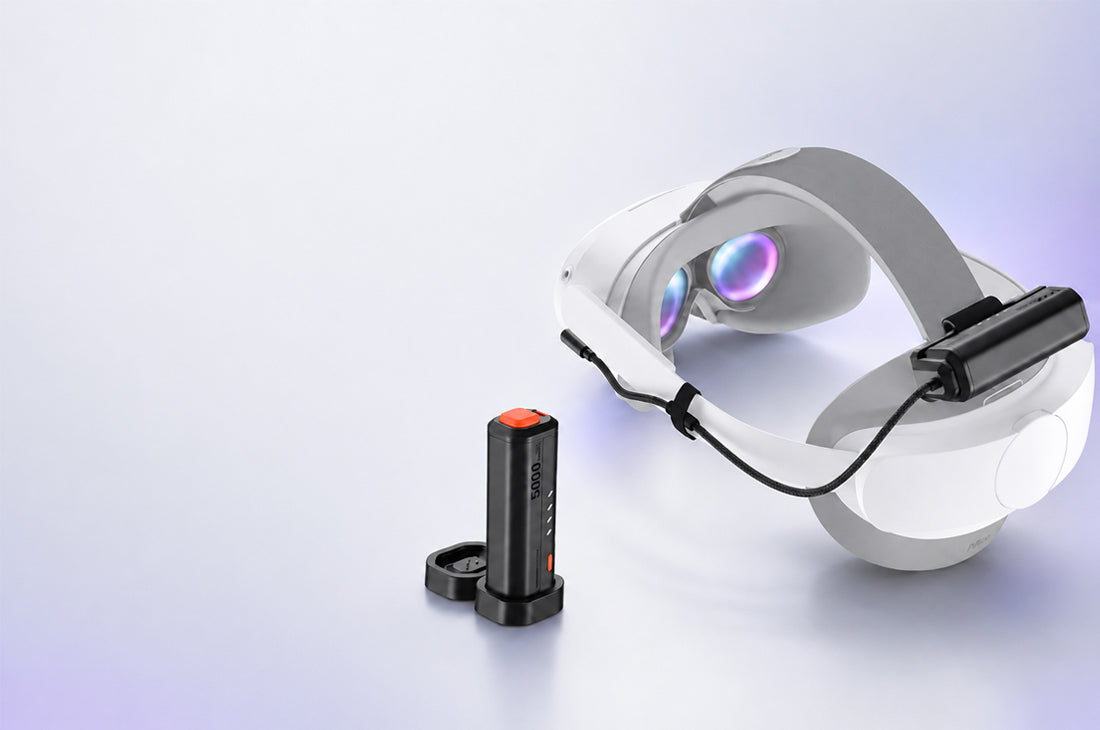
The P5000 Compact Power Bank 2-Pack for PICO 4 Series includes two 5,000 mAh USB-C power banks. Each unit weighs 105 g and supplies power through USB PD. P5000 is compatible with all VR headsets that support USB Power Delivery (PD) and other compatible USB-C electronic devices; devices without PD are not compatible.
On PICO 4 Ultra or PICO 4 Enterprise, a P5000 unit can slide into the integrated battery slot on T1. The slot provides a physical mount only; it does not establish that either headset supports USB PD. P5000 can supply a headset only when that headset supports USB PD. For another PD-compatible device, use the included hook-and-loop attachment only on a secure mounting area that does not block sensors, controls or ventilation.
Battery capacity does not convert into a fixed session length. Runtime varies with the headset charge, firmware, application, display settings, wireless activity, temperature and battery condition.
A two-pack supports a manual use-and-recharge rotation, not a seamless handoff. During a pack change, the headset runs on its internal battery until the second pack is connected. P5000 does not support devices that lack USB PD.
Add personal audio only when the room requires it
PICO 4 Ultra, PICO 4 Ultra Enterprise and PICO 4 Enterprise include integrated stereo speakers. In a quiet home or supervised room, built-in audio is the simplest option because there is no extra fit, cable or cleaning step.
Personal audio becomes worth considering when room noise masks cues, sound spill affects nearby users or a guided experience needs a more direct audio path. The A3 Clip-On Headphones for PICO 4 Series attach to the headset straps and use memory-foam ear pads. A3 is compatible with PICO 4, PICO 4 Ultra and PICO 4 Ultra Enterprise, and supports pass-through charging so the headset can receive power while the headphones are connected.
A3's pass-through port supports charging; it does not establish a fixed charging rate or USB data mode. Do not use A3 and P5000 in one combined power-and-audio chain. In a shared environment, assign responsibility for inspecting the ear pads and replacing them when needed.
Match the setup to the operating environment
| Environment | Model-specific accessories | P5000 power | Operating rule |
|---|---|---|---|
| Single-user PICO 4 Ultra | T1 and A3 individually | Use P5000 only if the headset supports USB PD; T1 provides a physical mount | Do not combine A3 with P5000 |
| Shared PICO 4 Ultra | T1 and A3 individually | Use P5000 only if the headset supports USB PD; T1 provides a physical mount | Use A3 separately; assign adjustment, charging, storage and inspection responsibilities |
| PICO 4 Enterprise training or demos | T1 only | Use P5000 only if the headset supports USB PD; T1 provides a physical mount | A3 is not compatible |
| PICO 4 Ultra Enterprise deployment | A3 only | Use P5000 only if the headset supports USB PD and keep it separate from A3 | T1 is not compatible |
Use the model matrix for T1 and A3, and use the USB PD rule for P5000. Training rooms and arcades can apply the same product rules while maintaining their own charging, cleaning, supervision and storage procedures.
Rules for supported PICO setups
- Use the full headset model name when selecting T1 or A3.
- Install T1 or A3 only when the matrix marks that product Yes.
- Connect P5000 only to a VR headset that supports USB PD or another compatible USB-C electronic device.
- Treat T1's P5000 slot as a physical mount; the connected headset must also support USB PD.
- Do not combine A3 with P5000, and do not install all three products as one system.
- Do not force a strap mount, clip or connector into place.
- Straps, clips and cables must not cover sensors, controls or ventilation.
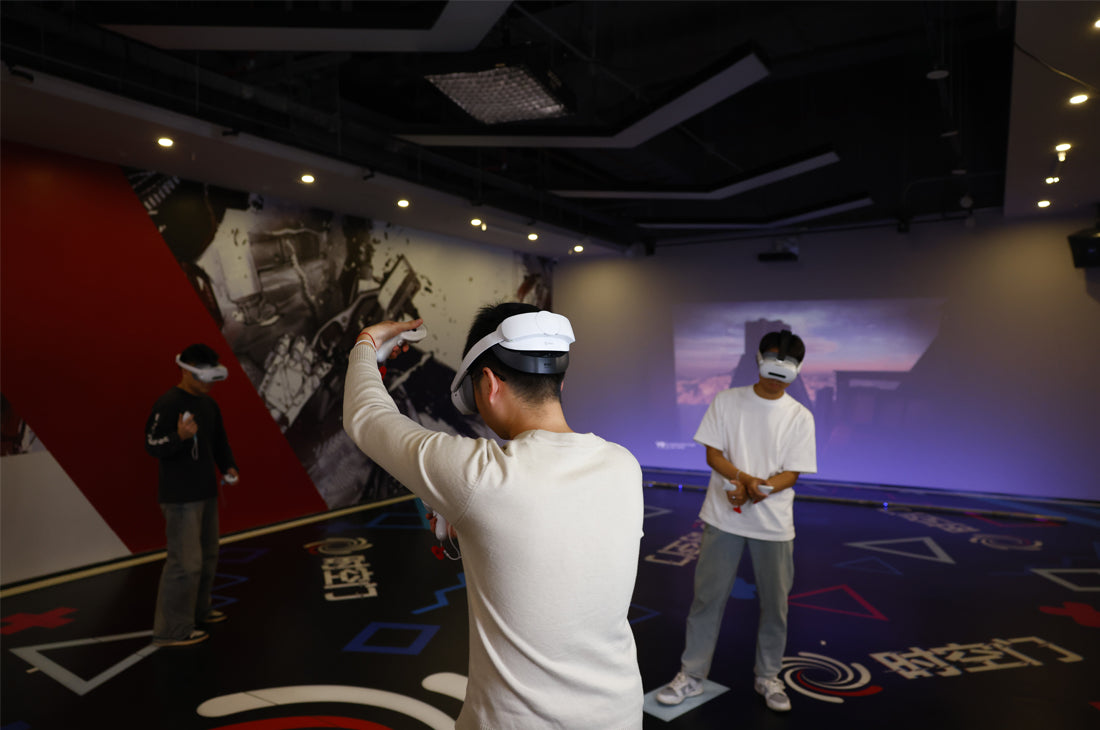
For shared or fleet setups, label removable batteries, assign charging and inspection responsibilities, and document the supported configuration with real photos so staff can restore it consistently.
Choose the smallest setup that solves the problem
Use T1 for repeatable fit adjustment on PICO 4 Ultra or PICO 4 Enterprise. Use P5000 for removable external power on all VR headsets that support USB Power Delivery (PD) and other compatible USB-C electronic devices. Use A3 for personal audio on PICO 4, PICO 4 Ultra or PICO 4 Ultra Enterprise.
You may not need all three. On PICO 4 Ultra and PICO 4 Enterprise, T1 provides the physical P5000 mount, but that mount does not establish USB PD support. A3 should be used without P5000; the A3 + P5000 power-and-audio chain is not supported. Start with the most disruptive problem and add only the compatible component that solves it.

Leave a comment
All comments are moderated before being published.
This site is protected by hCaptcha and the hCaptcha Privacy Policy and Terms of Service apply.